P
Loading blog...
Loading blog...
Computer-assisted telephone interviewing with SurveyCTO gives your field team a call center in their pocket, without needing a call center.
Ravi Menon
Apr 07, 2026•5 min read
In-person surveys have one irreplaceable advantage: you can see who you are interviewing. You can verify that the person matches the target profile, observe their engagement, and build a level of rapport that online and phone methods struggle to match.
But in-person surveys also have real costs. Travel. Logistics. Time. Safety risks in some contexts. And when you need to survey 15,000 respondents across five regions in three months, you need something that scales.
SurveyCTO's Computer-Assisted Telephone Interviewing (CATI) features solve the scale problem without abandoning the rigor that field researchers depend on. Here is how the system works and what you need to know to run phone surveys well with it.
CATI stands for Computer-Assisted Telephone Interviewing. The interviewer (enumerator) communicates with the respondent via phone while entering data directly into a digital form on their device. Unlike reading from a paper script and recording answers separately, CATI integrates the call and the data entry into a single workflow — meaning fewer transcription errors, built-in skip logic, and automatic call logging all in the same system.
SurveyCTO has been a standard tool for face-to-face surveys in low-connectivity environments for years. Its CATI features, expanded significantly during the COVID-19 pandemic when in-person fieldwork became impossible, now allow those same rigorous data quality controls to apply to phone-based research.
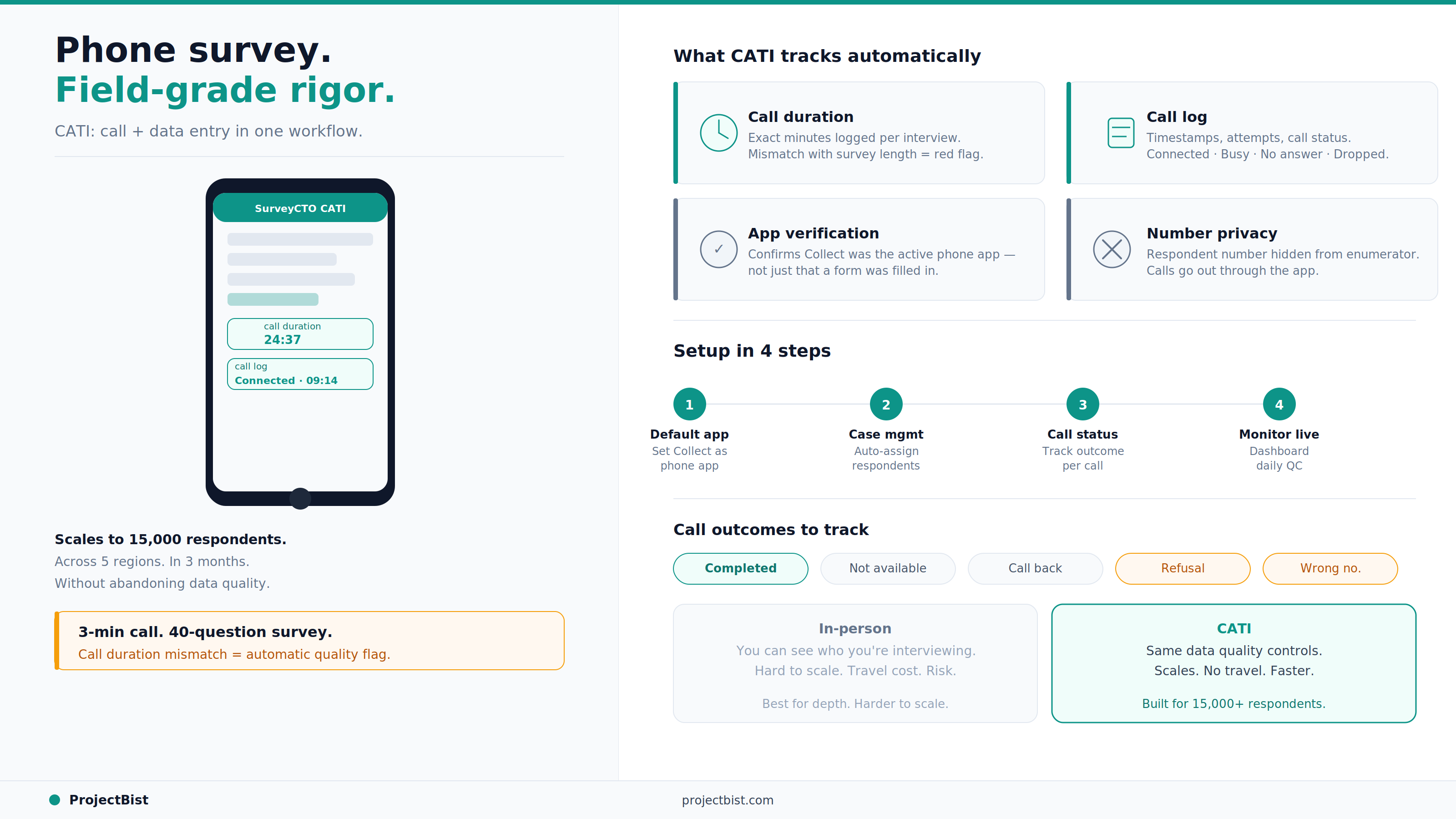
When SurveyCTO Collect is set as the default phone app on an Android device, it integrates with the device's calling functionality so that the enumerator can manage calls, fill in the survey form, and track call outcomes all in one place. Key features:
A call log that shows a 3-minute conversation for a 40-question survey is a quality red flag. SurveyCTO CATI gives supervisors the data to catch it automatically.
In the Collect Admin Settings, set the phone app behavior. Options include: on-demand (enumerator switches to Collect when needed), always (Collect is always the default phone app), or whenever running a form. For quality control purposes, always is the most robust setting for dedicated CATI devices. For personal devices used by enumerators for both work and personal calls, on-demand is more practical.
SurveyCTO's case management feature is what makes CATI at scale manageable. Instead of distributing lists of phone numbers manually, case management automatically assigns respondents to enumerators, tracks contact attempts, and removes a respondent from the active pool once the required number of contact attempts has been made or a completed interview has been recorded.
The pulldata() function pulls each respondent's name, phone number, and other pre-loaded attributes directly into the survey form when the interviewer accesses that case — no searching, no manual lookup.
Every CATI survey form should include a call disposition question at the start: what is the outcome of this call? Completed interview, not available, call back scheduled, refusal, wrong number, disconnected. These outcomes feed into your case management dashboard and give supervisors real-time visibility into fieldwork progress.
Publish your data to Google Sheets, Power BI, or another visualization tool to build a monitoring dashboard. Key indicators to track daily: average call duration per enumerator (flag those consistently below the expected minimum), call attempt to completion ratio, number of callbacks scheduled versus completed, and geographic distribution of completed interviews.
Does SurveyCTO CATI work on iOS?
No. The in-app phone call management features, including call duration logging and the phone-call-log() function, are only available on Android. For iOS or web-based CATI, SurveyCTO recommends using web forms on a laptop or desktop where the enumerator makes calls separately from their data entry device.
Can I hide respondent phone numbers from enumerators?
Yes. Using the hide_phone_number option in the phone-call plug-in, the respondent's number can be obscured while still allowing the call to be launched from the form. This is useful for longitudinal studies where protecting panel identity is important.
How many contact attempts should I build into a CATI case management workflow?
Standard practice in development research is three to five attempts per respondent before marking a case as non-contact. Build this logic into your case management configuration so the system automatically stops assigning the case after the maximum attempts.
Can I integrate SurveyCTO CATI with external call management systems like Twilio?
Yes. SurveyCTO supports integration with managed call services like Twilio and Exotel through field plug-ins. This is useful for large-scale CATI operations or for projects requiring centralized call routing.
Sources: SurveyCTO CATI Documentation (docs.surveycto.com); SurveyCTO Phone Survey Quality Control Guide; SurveyCTO CATI Starter Kit; Outline India CATI Case Study (surveycto.com)
Newsletter
Personalize your updates! Subscribe to ProjectBist's Newsletter and choose from the following categories.
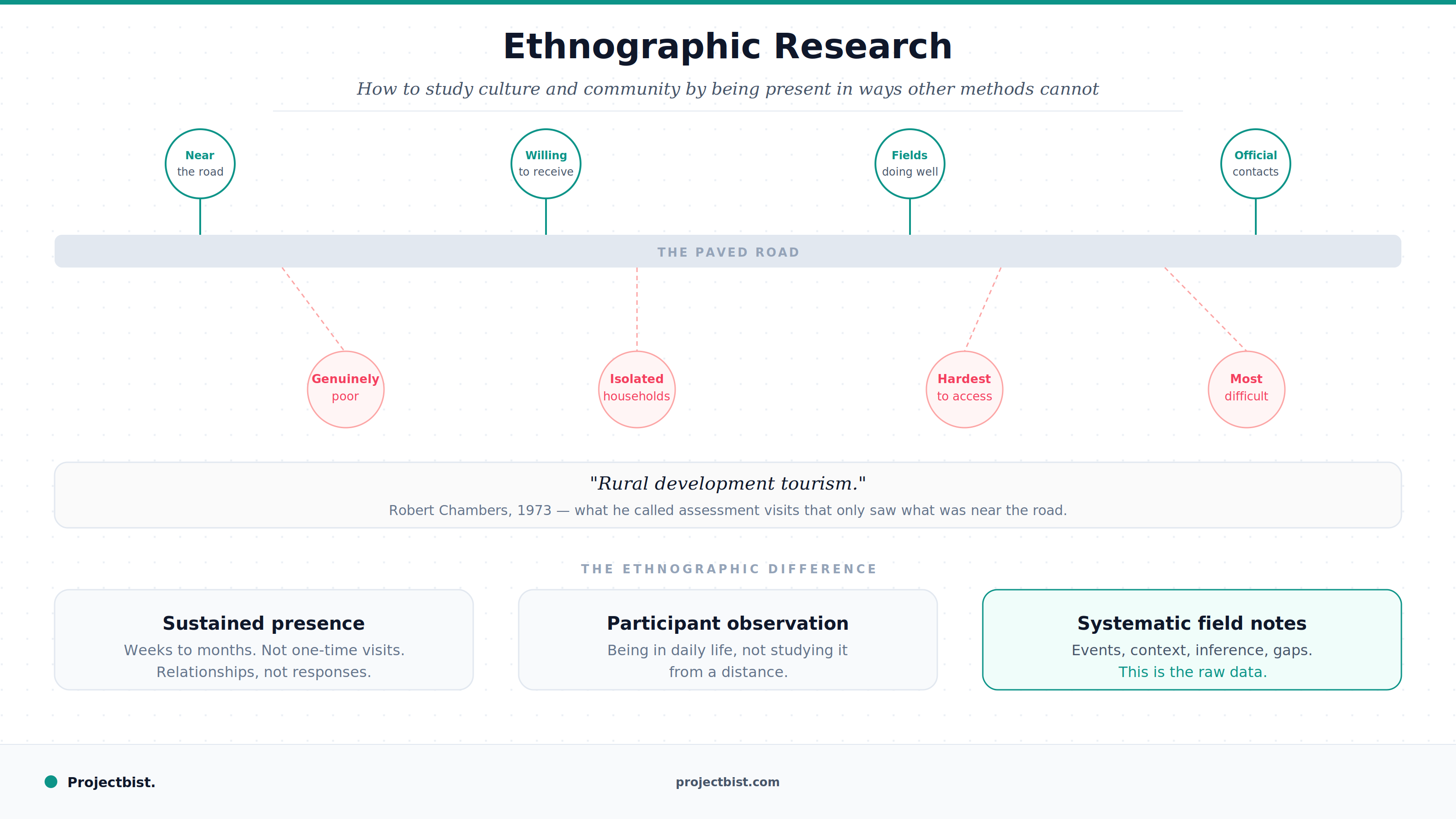
Ethnographic Research: How to Study Culture and Community by Being Present in Ways Other Methods Cannot
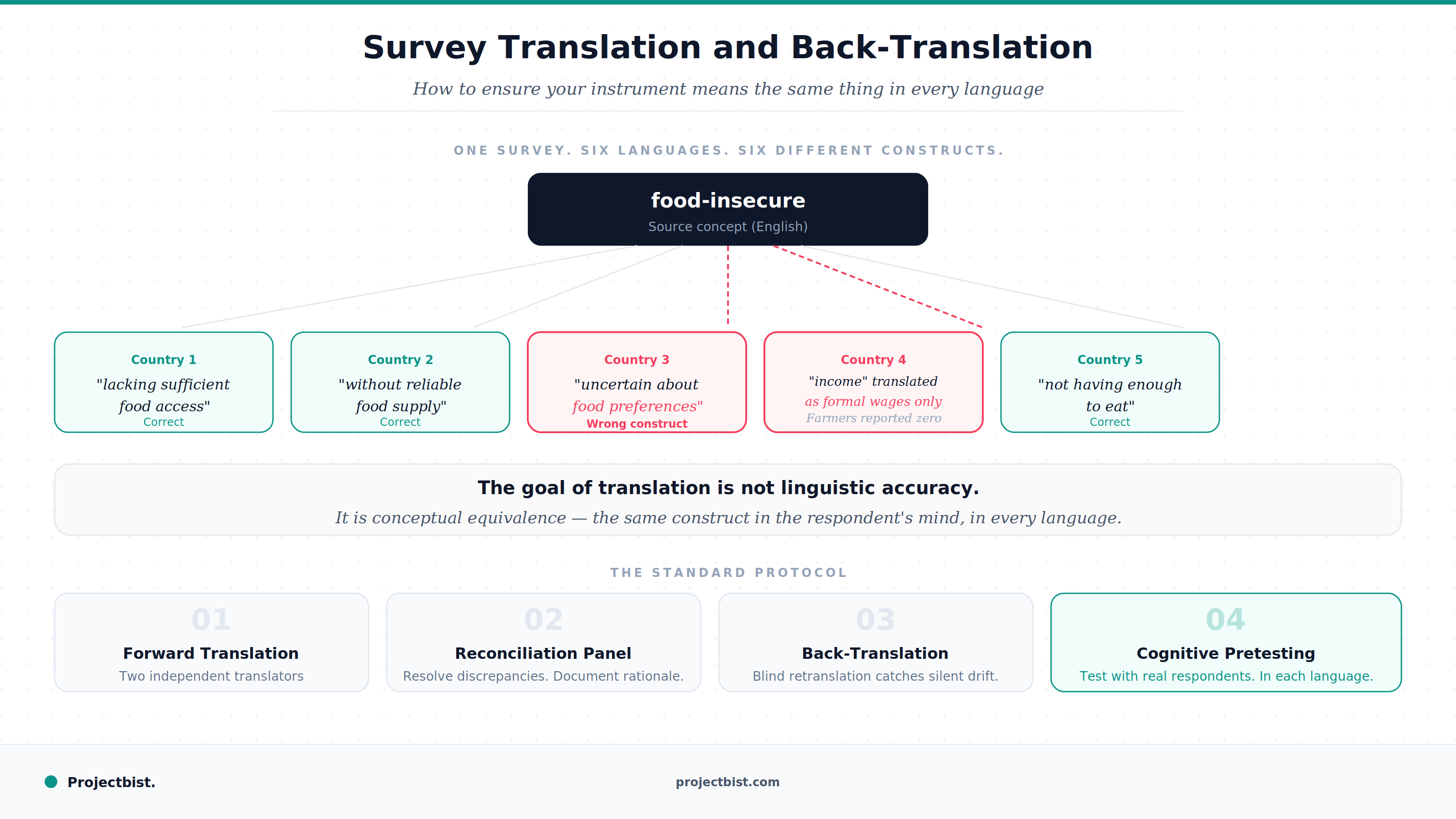
Survey Translation and Back-Translation: How to Ensure Your Instrument Means the Same Thing in Every Language
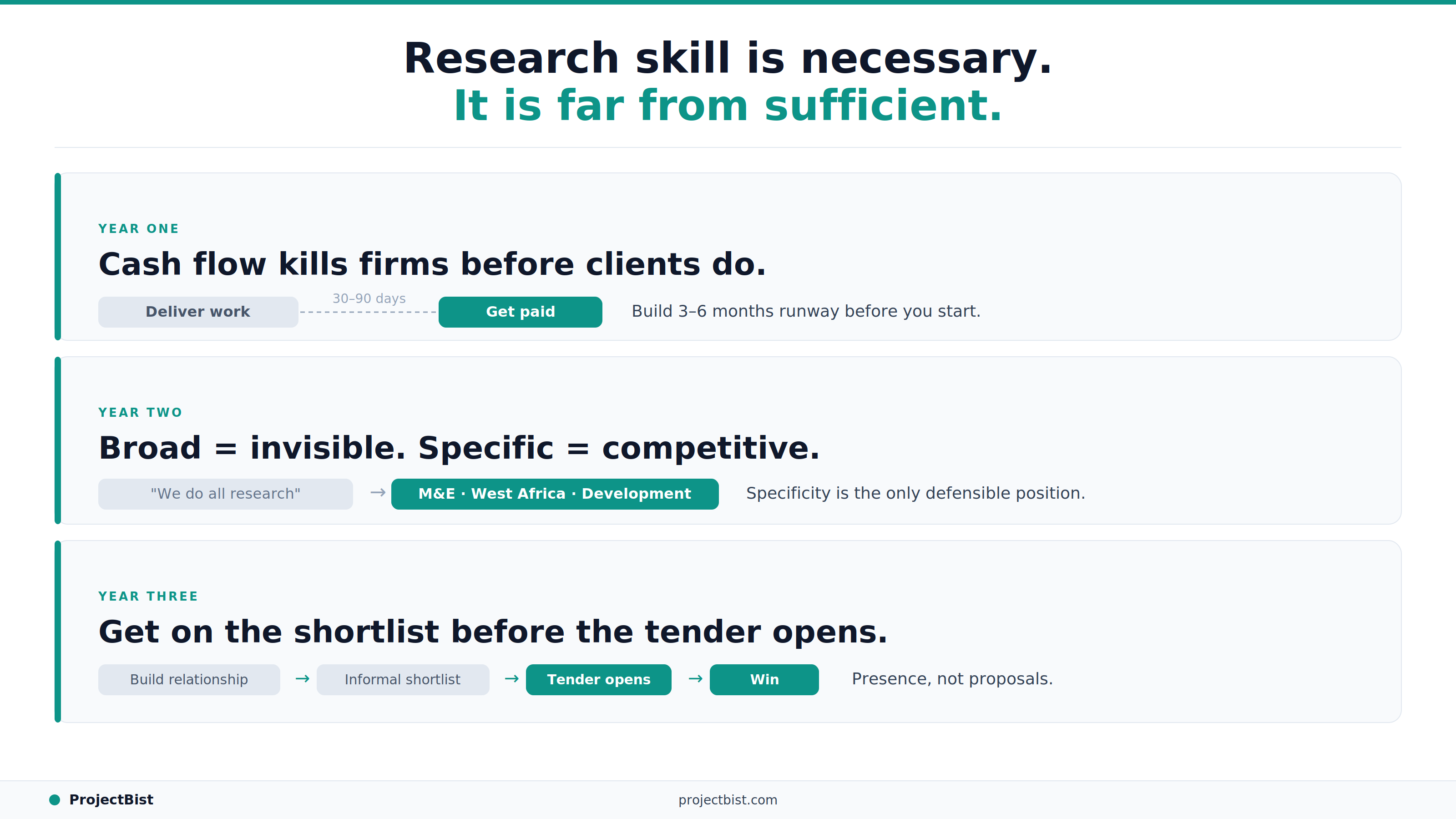
How to Build a Research Firm From Scratch: What the First Three Years Actually Require