P
Loading blog...
Loading blog...
A custom URL is not just a neat link. It is how search engines find you and how clients decide whether to take you seriously before reading a single word of your profile.
ProjectBist Editorial
May 18, 2026•3 min read
Most researchers who set up a profile on ProjectBist focus on the written content: the bio, the credentials, the specialization fields. They accept the default auto-generated URL and move on.
That URL is doing more work than they realize.
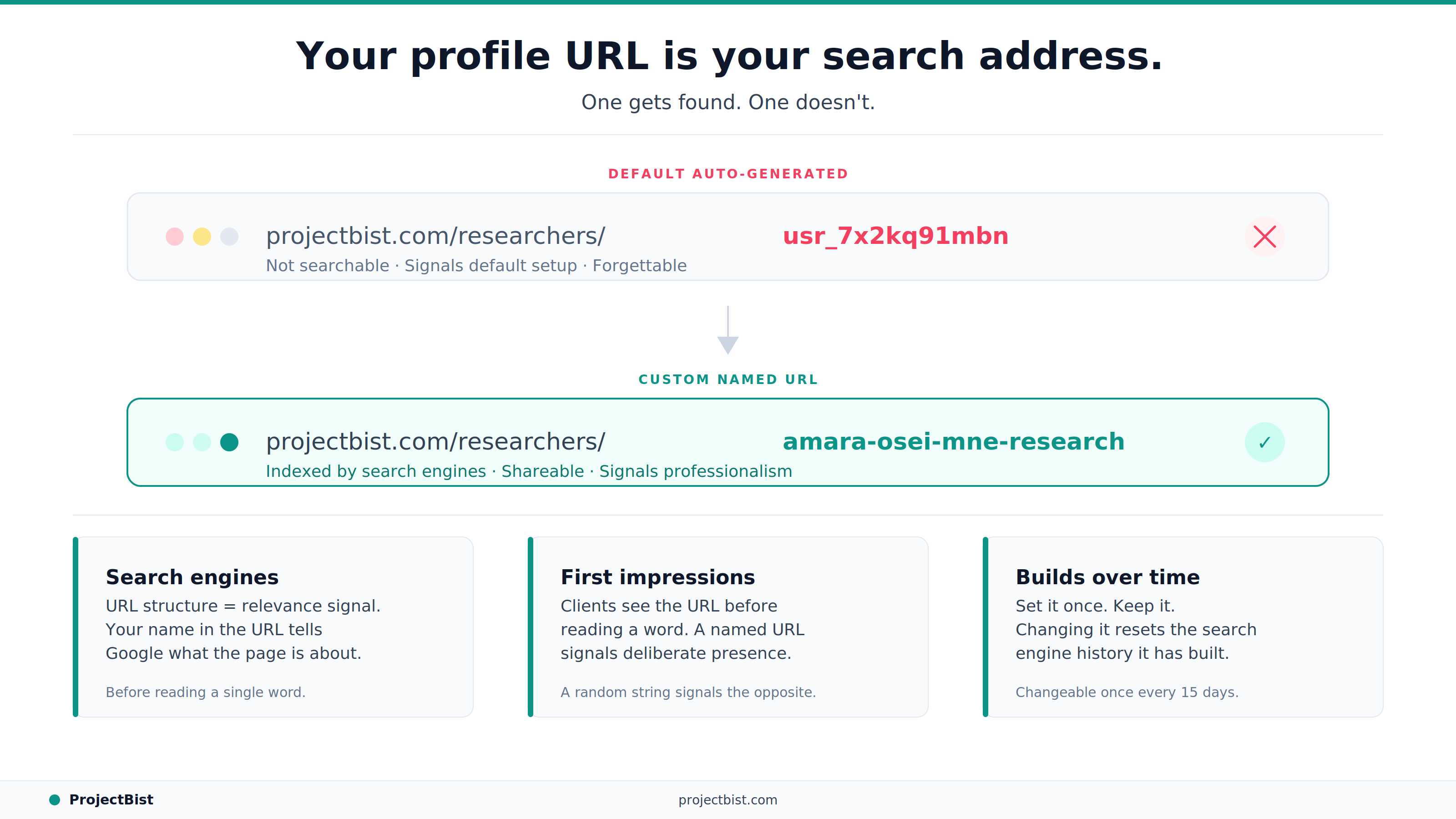
Researcher profiles with Excellent quality tier scores are indexed by search engines. When a client or colleague searches for 'M&E researcher Lagos' or 'food security survey specialist West Africa', a profile with a clean, descriptive URL has a structural advantage over one with a generic auto-generated identifier.
Search engines use URL structure as a relevance signal. A URL that contains your name or specialization (for example, projectbist.com/researchers/your-name-mne-specialist) communicates to the search engine what the page is about before the content is even read.
When you share your profile in an email, a proposal, a CV, or a LinkedIn message, the URL is part of the first impression. A URL that contains random characters signals a default account setup. A URL that contains your name or firm name signals a deliberate professional presence.
This sounds like a small thing. But clients evaluating two otherwise similar researchers, one of whom shared a clean named URL and one who shared a string of letters and numbers, form subtly different impressions of how seriously each researcher takes their professional presence.
Your custom URL on ProjectBist can be changed once every 15 days. Once you set a URL that works for you, the right approach is to keep it, print it on materials, and let it build search history. Changing a URL frequently resets the search engine familiarity that builds up over time.
In your account settings, find the custom URL field. Set it to your professional name or firm name, formatted as it would appear in a professional context. Some guidelines:
The Profile Quality Score, which determines whether your profile is publicly indexed on search engines and how prominently you appear in platform search results, weighs profile completeness including the presence of a custom URL. Profiles without custom URLs score slightly lower, not because the URL is evaluated for its content but because its absence signals an incomplete setup.
Setting your custom URL takes under 60 seconds. Access it through your account settings on projectbist.com.
Check your profile URL and quality score in your dashboard today.
Go to Your Dashboardarrow_forwardNewsletter
Personalize your updates! Subscribe to ProjectBist's Newsletter and choose from the following categories.
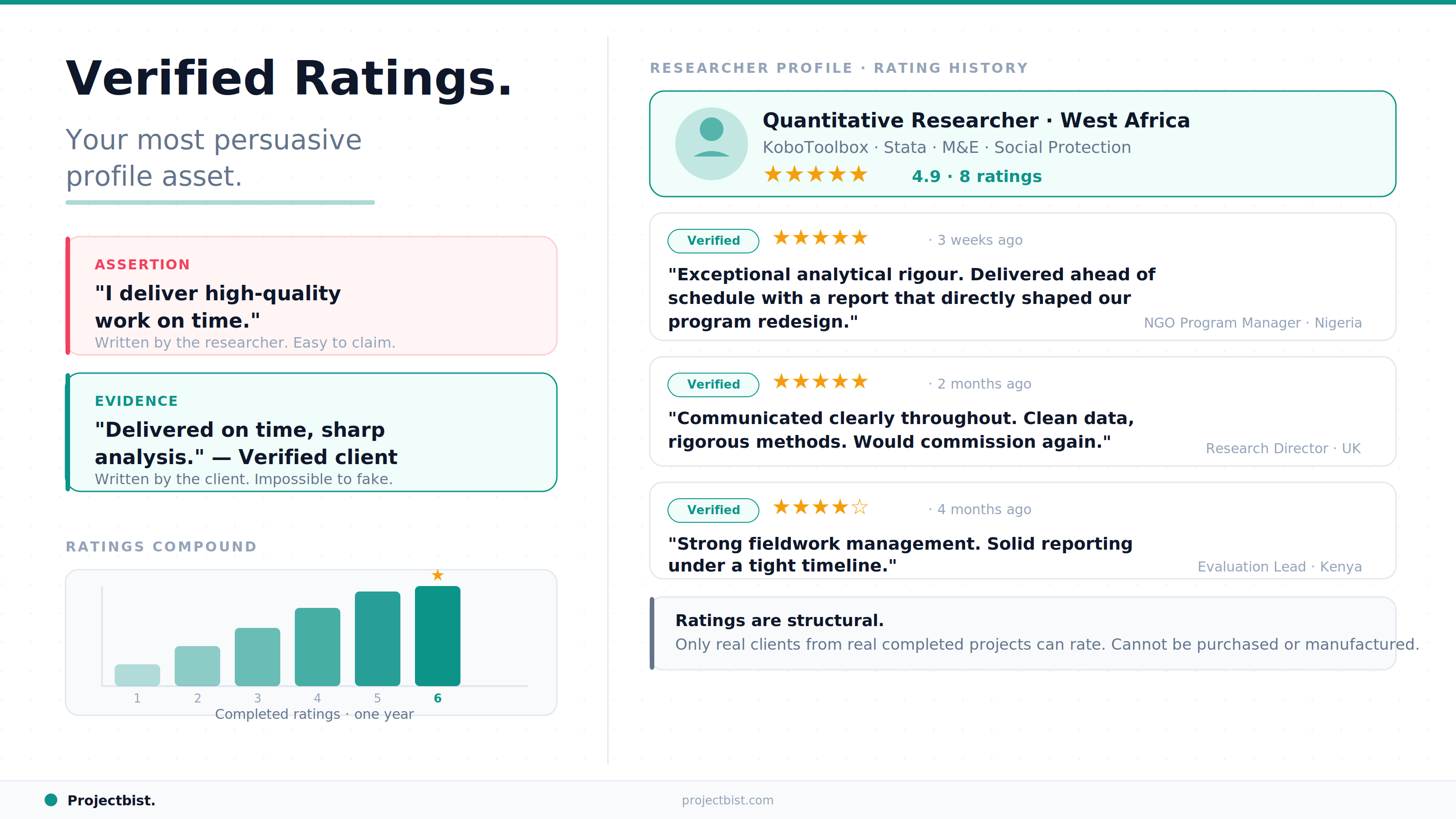
How the ProjectBist Rating System Works and Why Verified Ratings Are the Most Valuable Asset on Your Profile
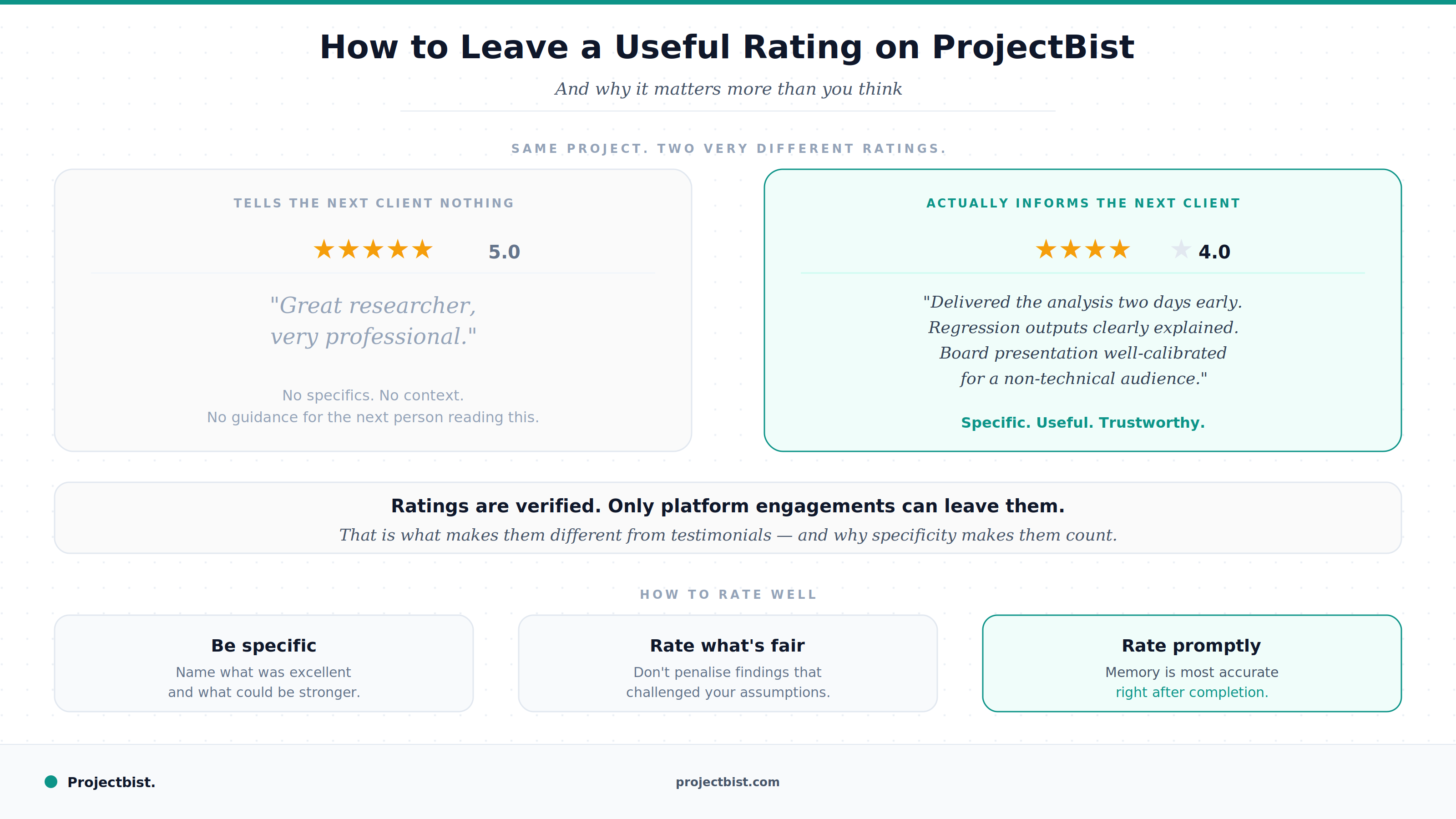
How to Leave a Useful Rating After a Research Engagement on ProjectBist (And Why It Matters More Than You Think)
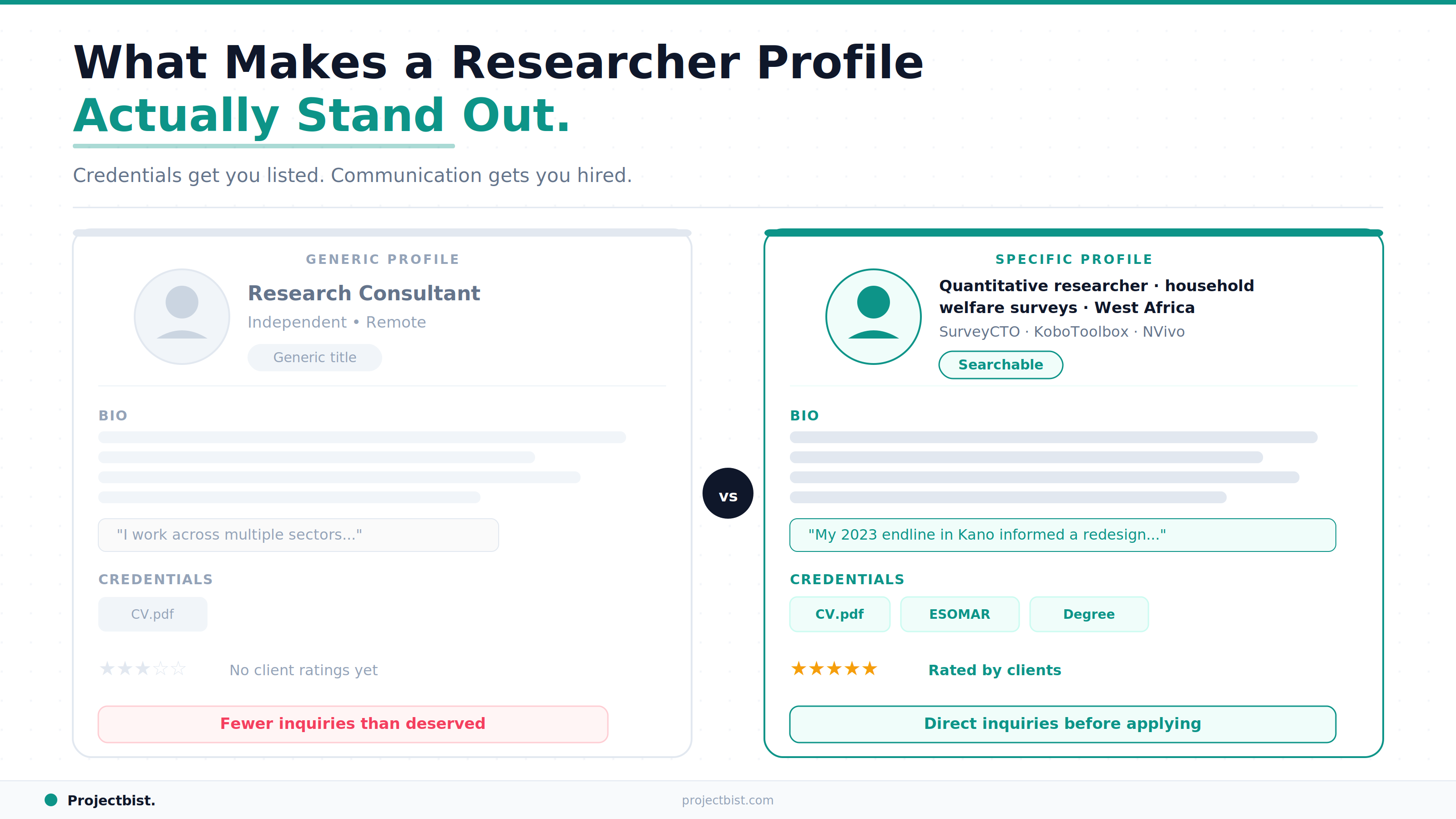
What Makes a ProjectBist Researcher Profile Actually Stand Out: The Complete Optimization Guide